Setting Up Your Account
Overview
This tutorial will guide you through the process of setting up your account, logging in, and navigating the dashboard. We offer multiple ways to sign up, and this guide will cover all of them.
How to Sign Up
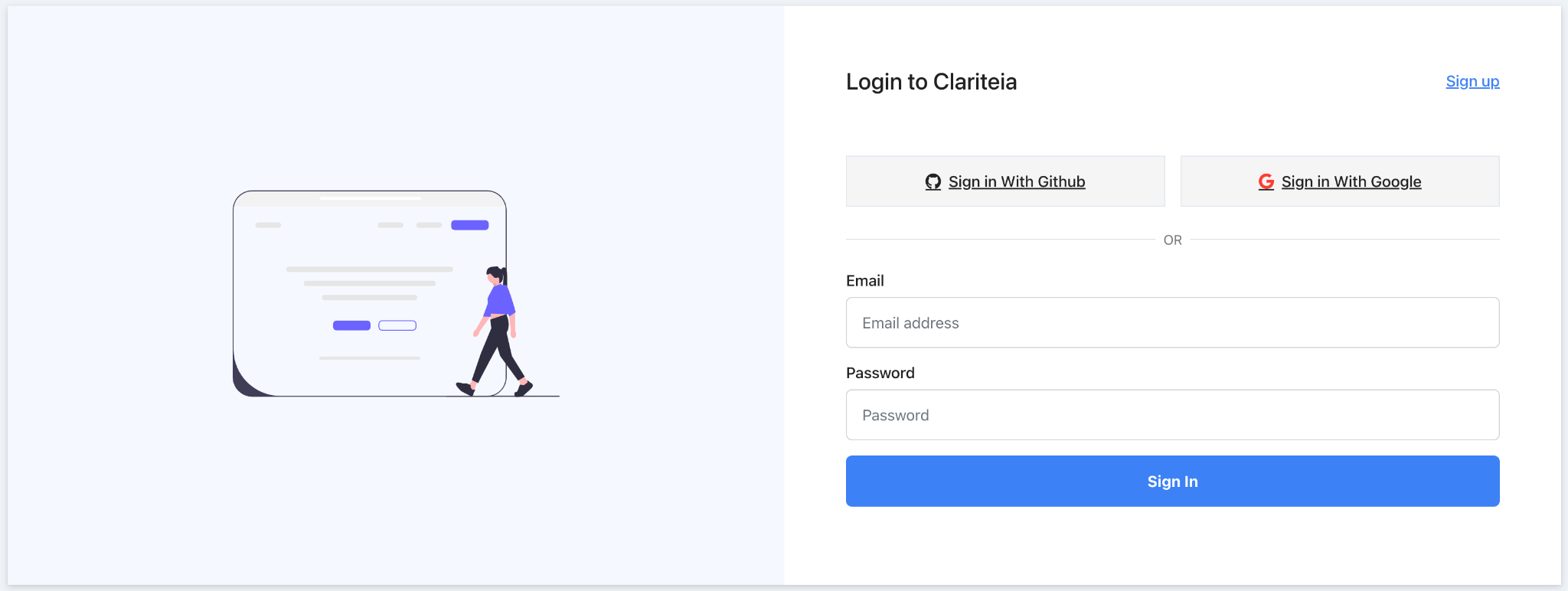
Sign Up with Email and Password
- Navigate to the Sign-Up Page: Click here to go to the sign-up page.
- Enter Details: Fill in your email and create a password.
- Start Using the Platform: You're all set! You can now start using the platform.
Sign Up with Gmail
- Navigate to the Sign-Up Page: Click here to go to the sign-up page.
- Choose Gmail: Click on the "Sign Up with Gmail" option.
- Google Account: You'll be redirected to choose your Google account or sign in if you're not already.
- Start Using the Platform: You're all set! You can now start using the platform.
Sign Up with GitHub
- Navigate to the Sign-Up Page: Click here to go to the sign-up page.
- Choose GitHub: Click on the "Sign Up with GitHub" option.
- GitHub Account: You'll be redirected to GitHub for authentication.
- Start Using the Platform: You're all set! You can now start using the platform.
caution
You can only log in using the method you choose for signing up. For example, if you signed up with Gmail, you won't be able to log in using your email and password directly.
Navigating the Dashboard
Once you've signed up and logged in, you'll be taken to your dashboard. Here you can:
- Create new projects
- View existing projects
- Access various features like generating user personas, roadmaps, etc.